|
Amazing techniques which will transform your use of PowerPoint presentations. Make your presentation stand out from the crowd! |
|
|||||
Countdown Timer for PowerPoint There are several ways to get a countdown timer in PowerPoint but if you want a timer that runs on multiple slides you will want to place it on a master. This is not so easy! Any animation on the master will be ended if there are animations on the slide being view. One way we have used a lot is to create a custom animated gif that counts down (or up). When this is placed on the master it runs independently of any animations and resets to the beginning when the slide changes. This is probably the only useful use of animated gifs in PowerPoint that we know!! PowerPoint 2007 warning! The latest version has a nasty in built trick. Picture compression is turned on by default and when you save all pictures are compressed. I would probably say "No thanks, I'll decide" anyway BUT the compression can also screw up gifs so the are no longer animated so definitely turn it off! Go to Picture Tools > Compress > Options right now and either turn it off or set it to 220 dpi which will usually be OK. Unfortunately when you turn it off the default doesn't change and when you open another presentation it will still compress on save. To turn it off completely you need to hack the registry and to make this easy download this zip file which has a zipped file to kill the auto compression for good.. DOWNLOAD HERE use at your own risk (includes a turn in on again file)! This idea was originally suggested by Marta Portela Maseda [Office MVP] Another way seems to be: Start with a blank presentation, add a picture and in Picture compress turn OFF the "Save on Compress". Now delete the pic and save as a .potx file named Blank. NOTE these timers will start when a slide opens and cannot be controlled by animation. If you need a counter that plays across slides and can be started and stopped we can also make a video version that will do this. We use a special technique to create tiny file sizes. A typical 30 minute timer can be less than 200 kb! Email for details
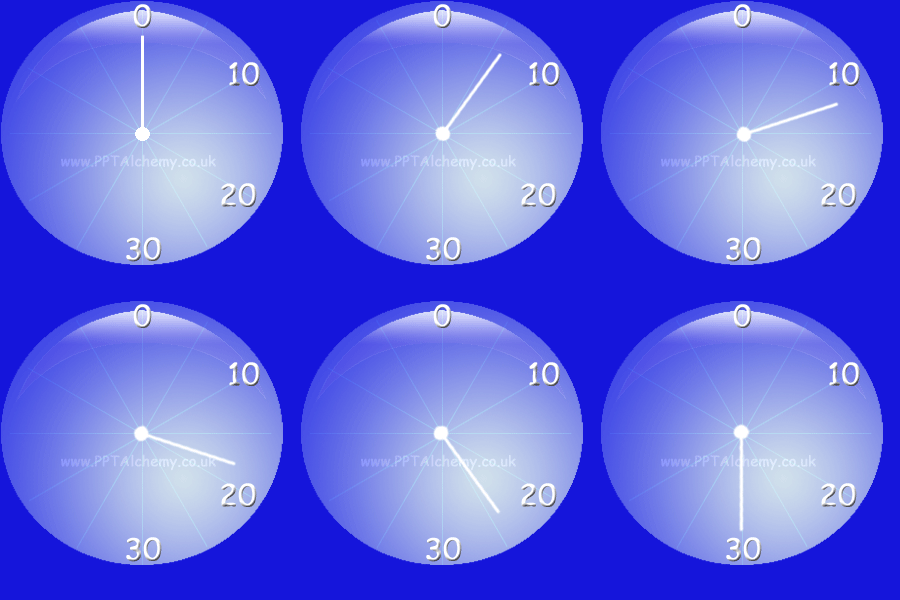
60 Second and 15 second timers These are samples you are free to download (Right Click > Save As Picture) and use, please credit PowerPoint Alchemy. If you want the slide to move on when the timer is finished simply set the transition to auto after zero seconds AND have an off slide animation that takes 60 seconds to complete (or maybe a little longer. The slide will wait for this to finish and then change. Maybe choose a very slow fade in and manually change the 5 seconds in the Timing tab to eg 61 seconds If you cannot make your own we can make pretty well any custom gif that you might want and our rates are very reasonable indeed! See this page for sample of video method and more on timers in PowerPoint. PowerPoint Timers (create with vba / use a video!)
Buy a set of assorted timers Includes count up and down 15,30,45 and 60 seconds and 1, 5 and 1 0 minutes in 10 second intervals plus some sample clock faces. Only $15.00! Click and pay with PayPal or a major card securely and you will be emailed download instructions within 5 minutes. If it doesn't appear please check your spam. |
|
|
|||
This website is sponsored by Technology Trish Ltd |
|||||